
Workflows are how Worknano automates work between modules.
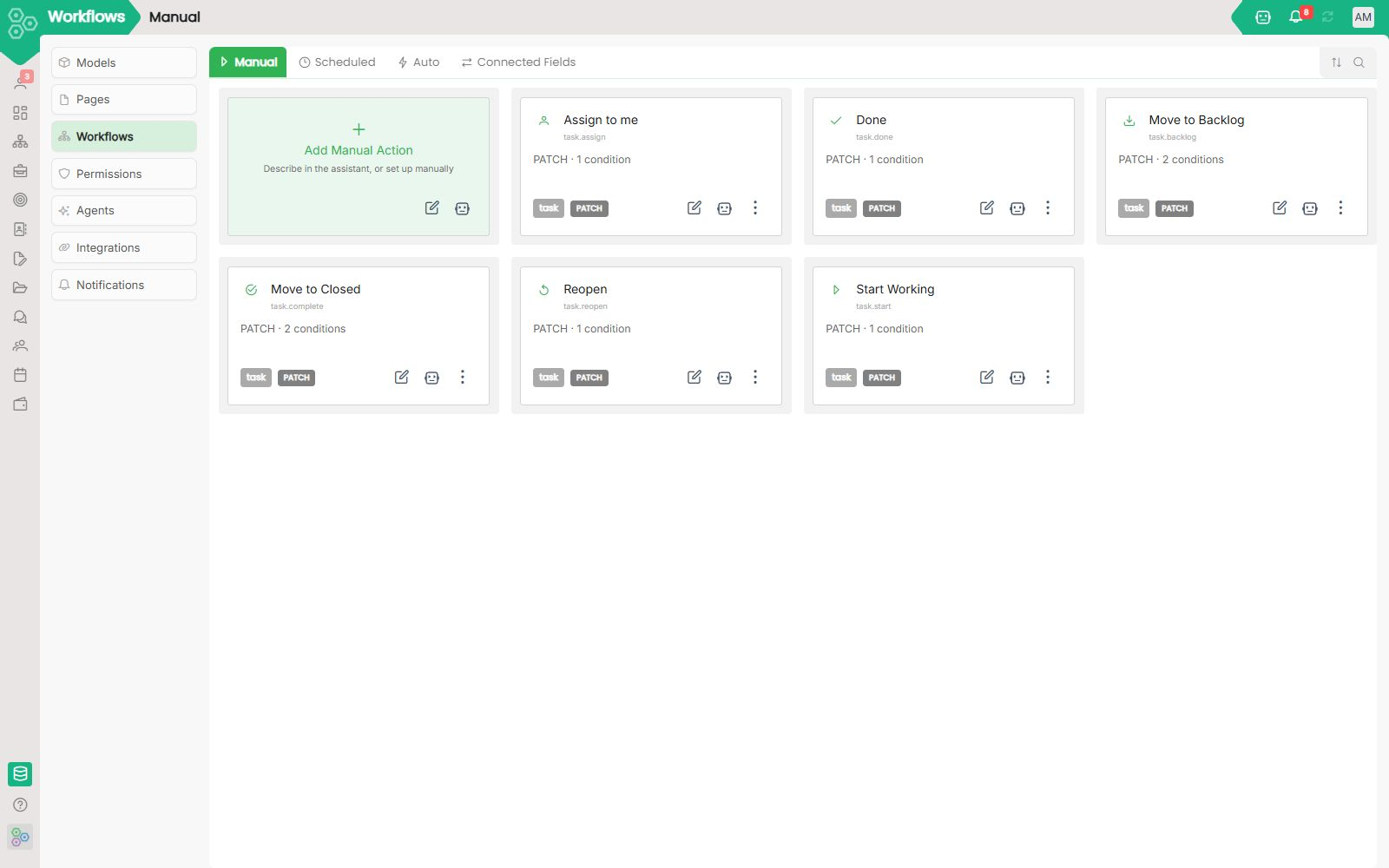
Instead of building automation in a separate app and then trying to glue it back to your CRM, projects, or invoices, Worknano puts automation inside the same workspace, the same data model, and the same visual builder you already use. Every workflow lives next to the records it acts on, so your rules stay aligned with the real business process instead of becoming a separate “integration project” that rots the moment requirements change.
Build automation once and run it everywhere
The workflow canvas is a single source of truth for how work moves across your workspace. In the workflow builder, you can define triggers, actions, and conditions in one place, then apply that same automation to CRM records, project tasks, job applications, invoices, or any custom module. It removes the need to teach a second tool your schema, because Worknano already knows the same fields, permissions, and related records as the rest of the product.
Trigger the right work at the right moment
Worknano’s trigger palette covers the events teams actually care about: record created, record updated, field changed, status moved, scheduled cron jobs, or webhook received. That means automation starts from real business signals, not from a disconnected schedule or a manual “run this zap” step. When a status moves or a field changes, the workflow fires immediately inside the workspace that owns the data.
Actions that move work, not just notify it
Actions are practical and powerful: create records, update fields, assign users, send email, send webhook, start approval chains, run AI prompts, or add things to a list. In the workflow editor, each action is a clear block with the same field picker and target model chooser you already use elsewhere in Worknano, so building a sequence feels like configuring the product rather than writing a connector.
Model real decisions with visual conditions
The condition builderis identical to Forms’ conditional logic, so your team already knows how to use it. Nested AND / OR groups let you express complex business rules without code, whether you are checking a lead score, gating a project stage, or requiring a manager sign-off before a customer invoice can be sent. The result is a workflow that behaves like a real process, not a brittle one-off rule.
Examples that ship today
Worknano’s workflows are designed for real work, not abstract automation exercises. New CRM contact → assign to round-robin sales rep, add to “first-touch” sequence, create a task. Project task moved to Done → update the linked KR’s progress. Job application status = Hired → create employee, start onboarding template, send welcome email. These are the kinds of cross-module processes that actually save time and keep teams aligned.