
Reporting that answers the questions your teams actually ask
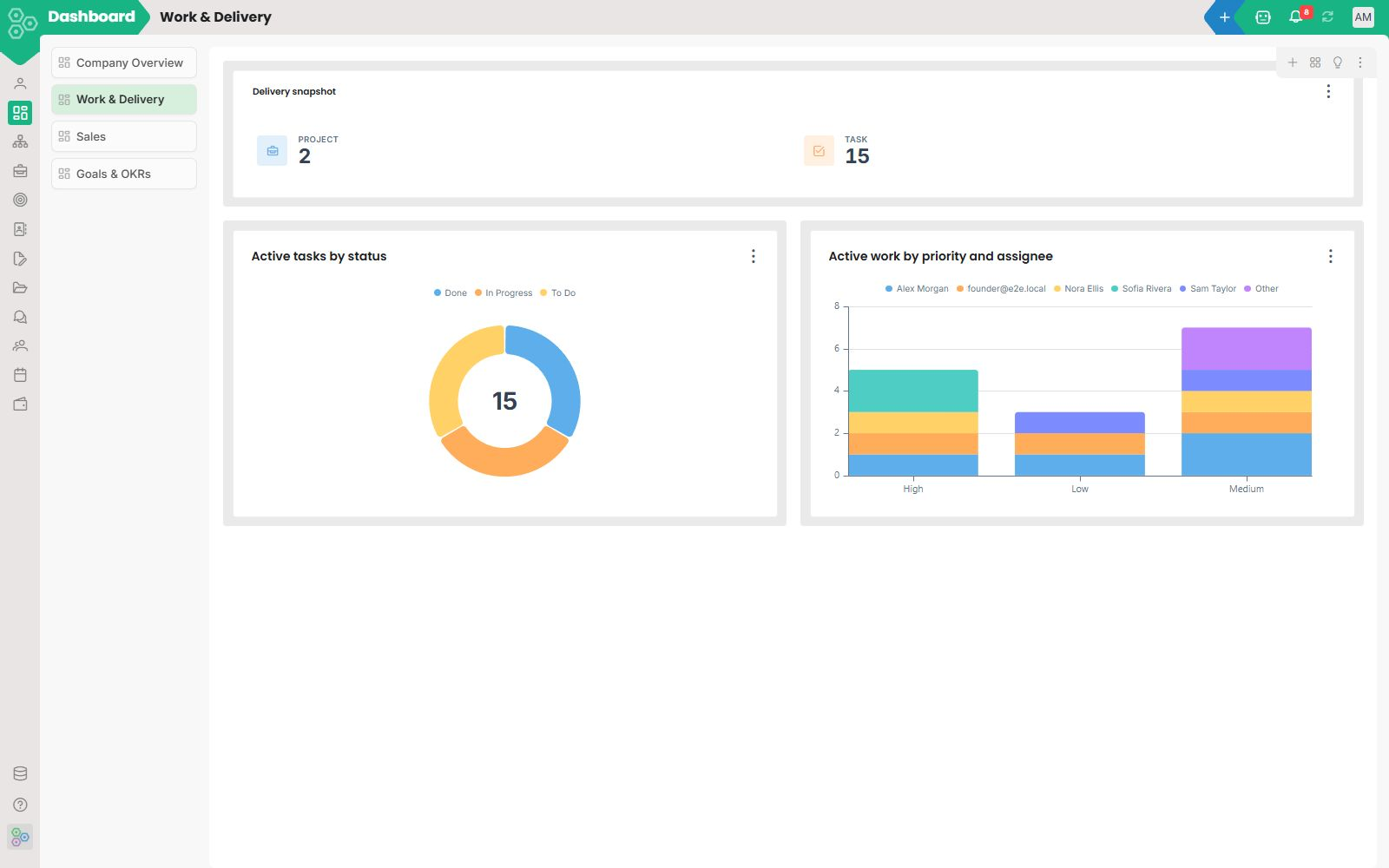
Worknano reporting is not a fixed set of charts, it is a workspace-native analytics layer you configure once and reuse everywhere. In the report designer, you choose the exact fields, filters, groupings and visualizations you want, then save that view as a dashboard, a report, or a shared insight. That means the same report can serve finance, ops, and leadership without rebuilding the underlying data model.
Define the story, export the data, and bring it back in
Every report can be exported as a spreadsheet or shared as a live dashboard, so your team can move from analysis to action without losing context. Export for offline review or partner sharing. Import external data back into Worknano and keep using the same report definitions for richer analysis.
Roll up across tenants with parent-child reporting
Worknano supports multi-tenant reporting for organizations with separate teams, regions, or brands. Parent-child reporting lets central leadership roll up performance across child workspaces while each team maintains operational autonomy. Compare velocity, backlog, and outcomes across business units easily.
See velocity and process health in the same place
Reporting is built for real work, not just numbers. Velocity metrics, cycle time, throughput, and backlog trends sit alongside process mining insights, so you can see not only what happened but how work actually flowed. When a report shows a slowdown, you can trace the exact workflow path and identify delays.
Export dashboards, monitor trends, and keep every team aligned
Worknano dashboards are live views of your work system. Track delivery tempo, approvals, revenue, or customer response times. Export them for reviews, import data for deeper context, and reuse the same report definitions across tenants so every team works from the same measurement standards. Turn reporting from a quarterly scramble into a continuous operational habit.
[FAQ-CATEGORY:reporting]